
Product Updates Dec 25
This article provides a summary of all the latest product updates. The updates are arranged from newest to oldest, making it easier for you to track recent changes first. You can scroll down to view earlier updates in sequence.
Revamped Separation Request Emails
We have redesigned the separation email to improve clarity and usability. Approvers can now approve, reject or review separation requests directly from the email without logging into the system. This reduces action time and simplifies decision-making. The update ensures a smoother and more responsive separation workflow for approvers.

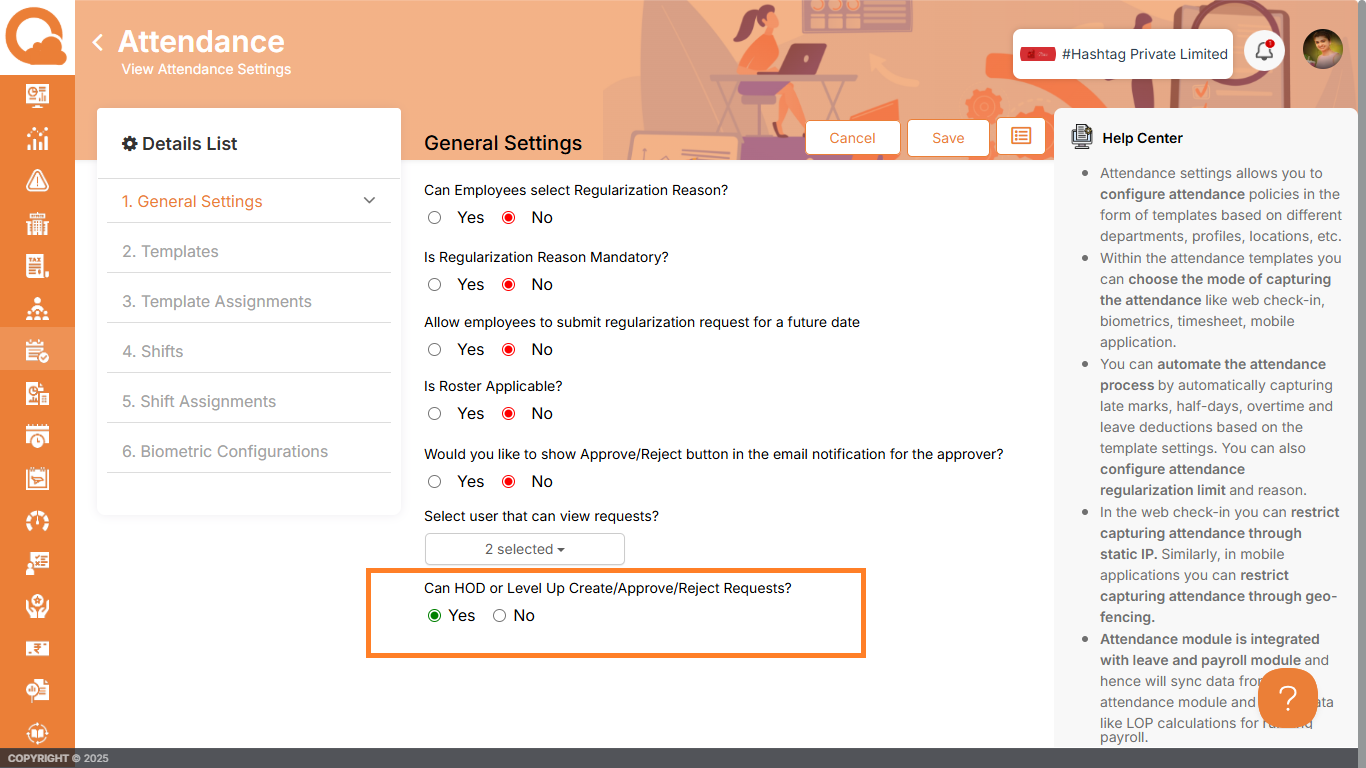
Level Up and HOD Permissions
We’ve added a setting in Attendance, Leave and Expense General Settings to define if HOD (Head of Department) and Level Up Supervisors can create, approve or reject requests. If enabled, both roles can take full action including request creation, approval and rejection, mapped to the employee’s reporting hierarchy. When disabled, they receive view-only access without workflow control, ensuring governance while maintaining transparency and reducing operational bottlenecks.
Email Action for Onboarding and Offboarding Tasks
We now allow users to mark onboarding and offboarding tasks as complete directly from email. Options like Mark as Complete and Ignore buttons opens the task completion pop-up without requiring login. This removes delays, simplifies task closure and improves overall onboarding/offboarding cycle time.
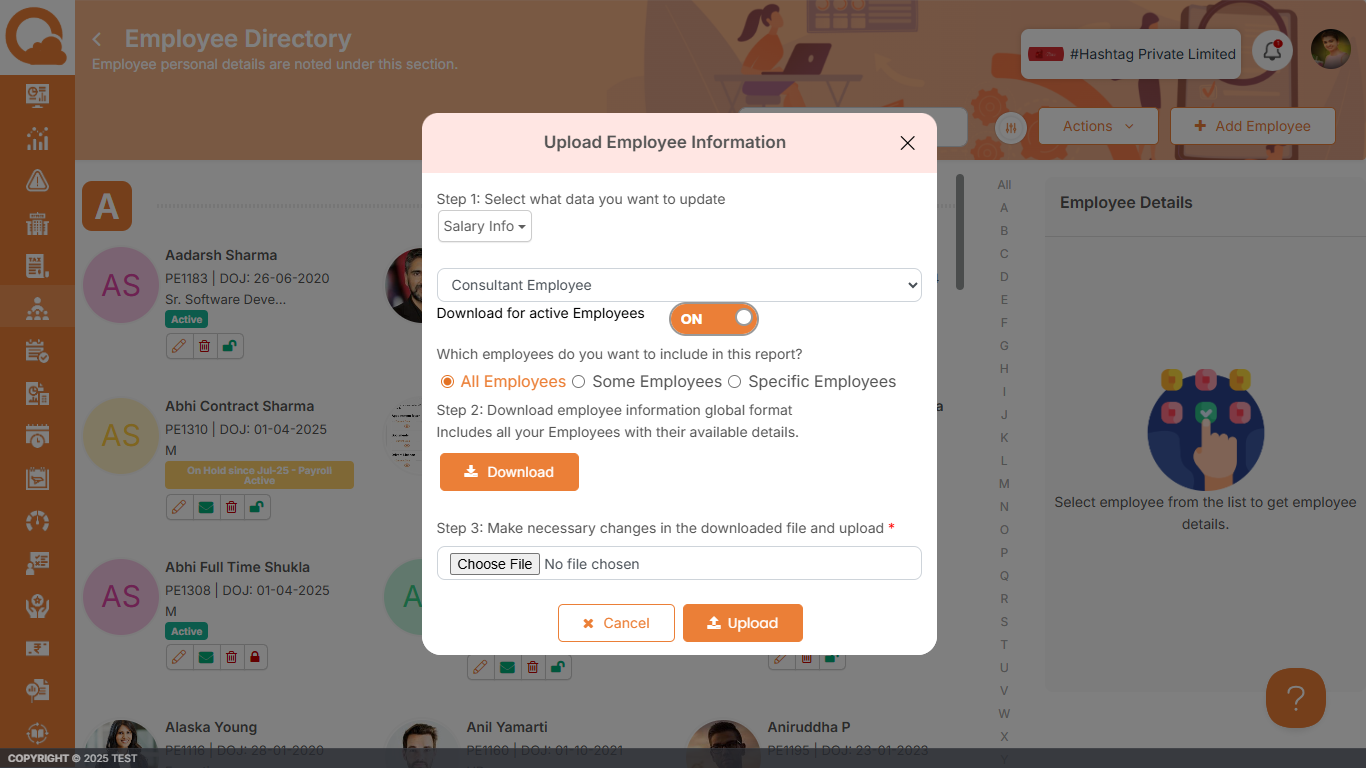
Bulk Consultant Salary Upload
Admins can now update consultant salary details in bulk via Employee Directory → Actions → Bulk Update Employee Data → Salary Information. The module supports template download, filled data upload and a specific selection for consultant employees. This eliminates repetitive manual entry, accelerates payroll input preparation and improves accuracy when managing large consultant workforces.
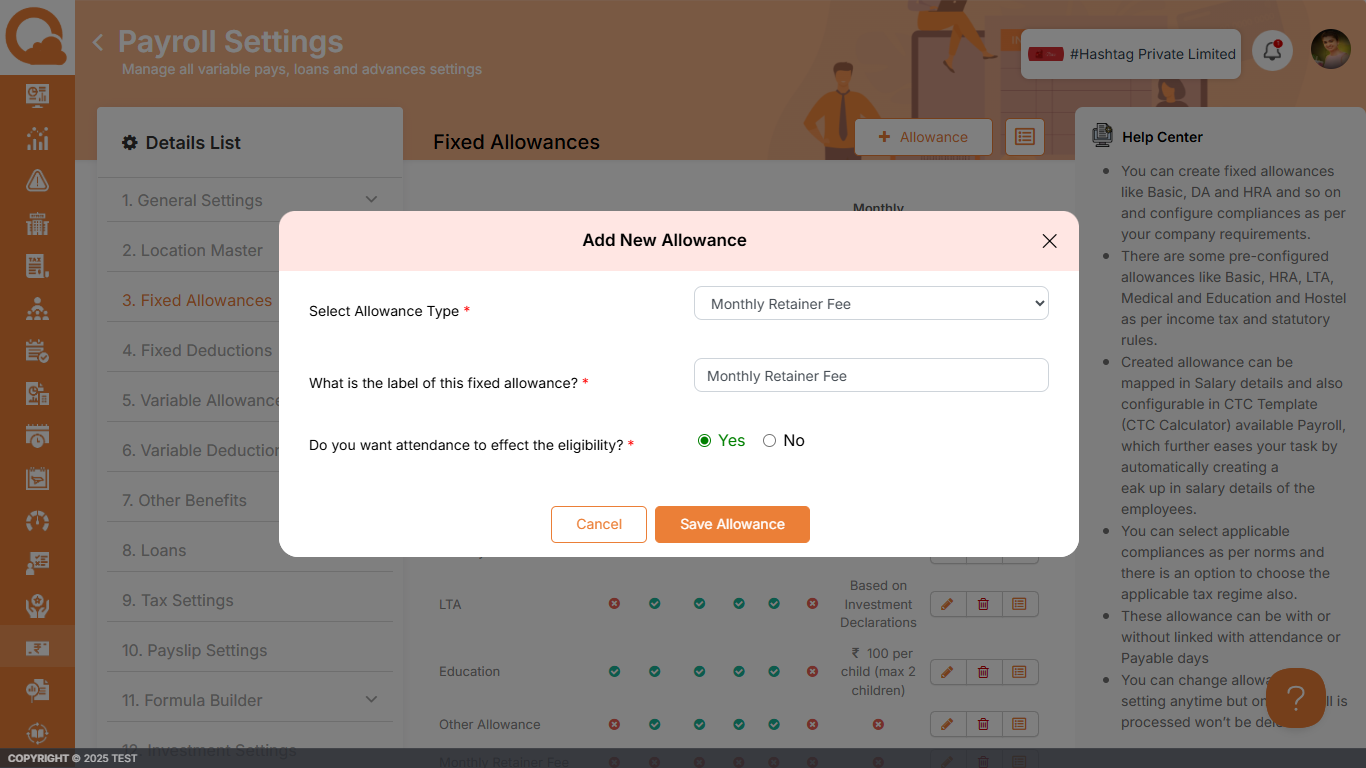
Multiple Monthly Retainer Fee Allowance
We enhanced Fixed Allowance settings to support multiple Monthly Retainer Fee entries. Admins can configure them under Payroll Settings → Fixed Allowance → Add Fixed Allowance → Allowance Type: Monthly Retainer Fee. This is useful for organizations managing retainers with varied fee structures. It ensures cleaner breakup of payroll components. The update reduces workaround dependency and improves payout accuracy.
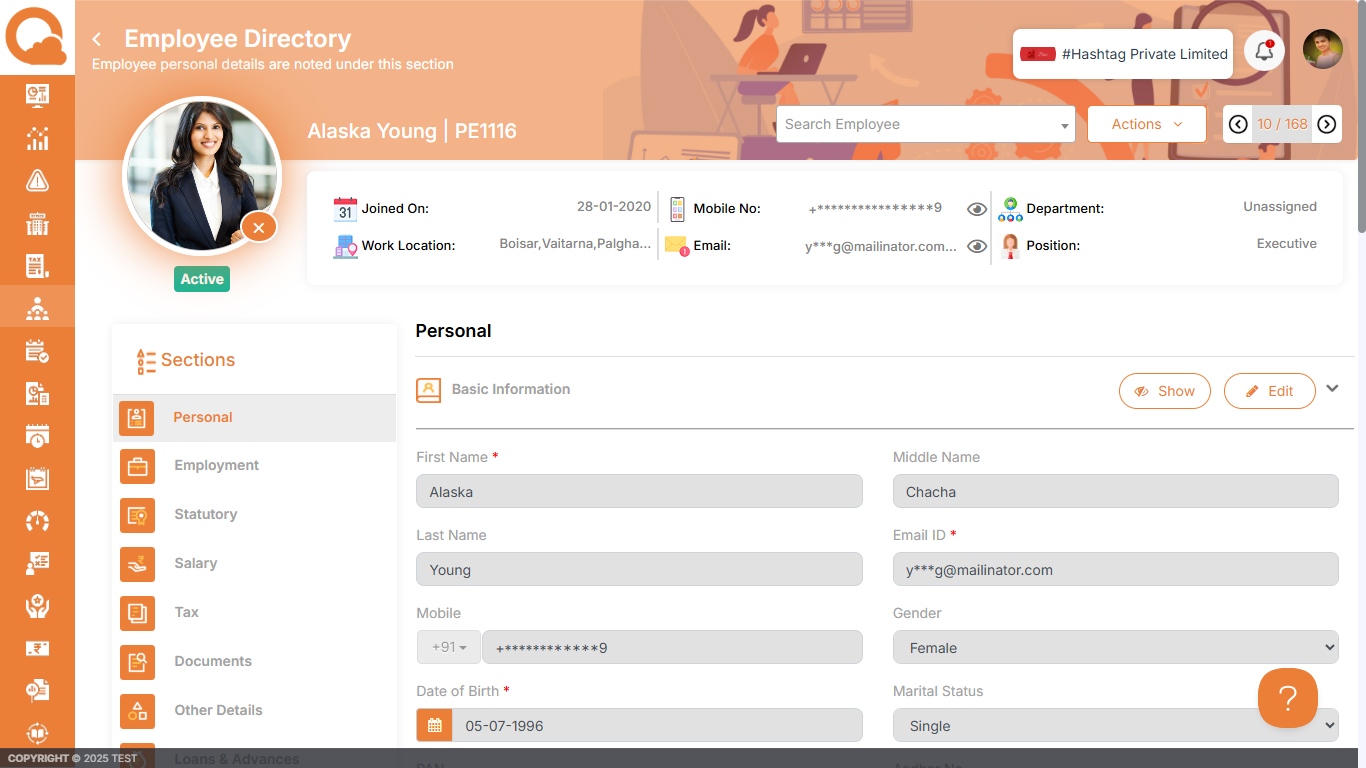
Employee Field Masking for Sensitive Data
We’ve introduced field-level masking across all employee fields. Admins can choose which fields to mask directly from Organization Settings → Employee Fields, allowing full control over what information is partially hidden with asterisks. This protects sensitive data from unintended visibility, strengthens compliance and enhances employee trust by ensuring their personal information is handled securely.
New Reports for Loans & Advances
New monthly reports now provide a structured view of all loans and advances for each employee. It includes Monthly EMI Report, Loan Balance Report and Loan Application Report. This improves financial tracking, simplifies audits and reduces manual report preparation. Admins and finance teams benefit from faster reconciliation and clearer monthly visibility.
Backdated Roster Update Restriction
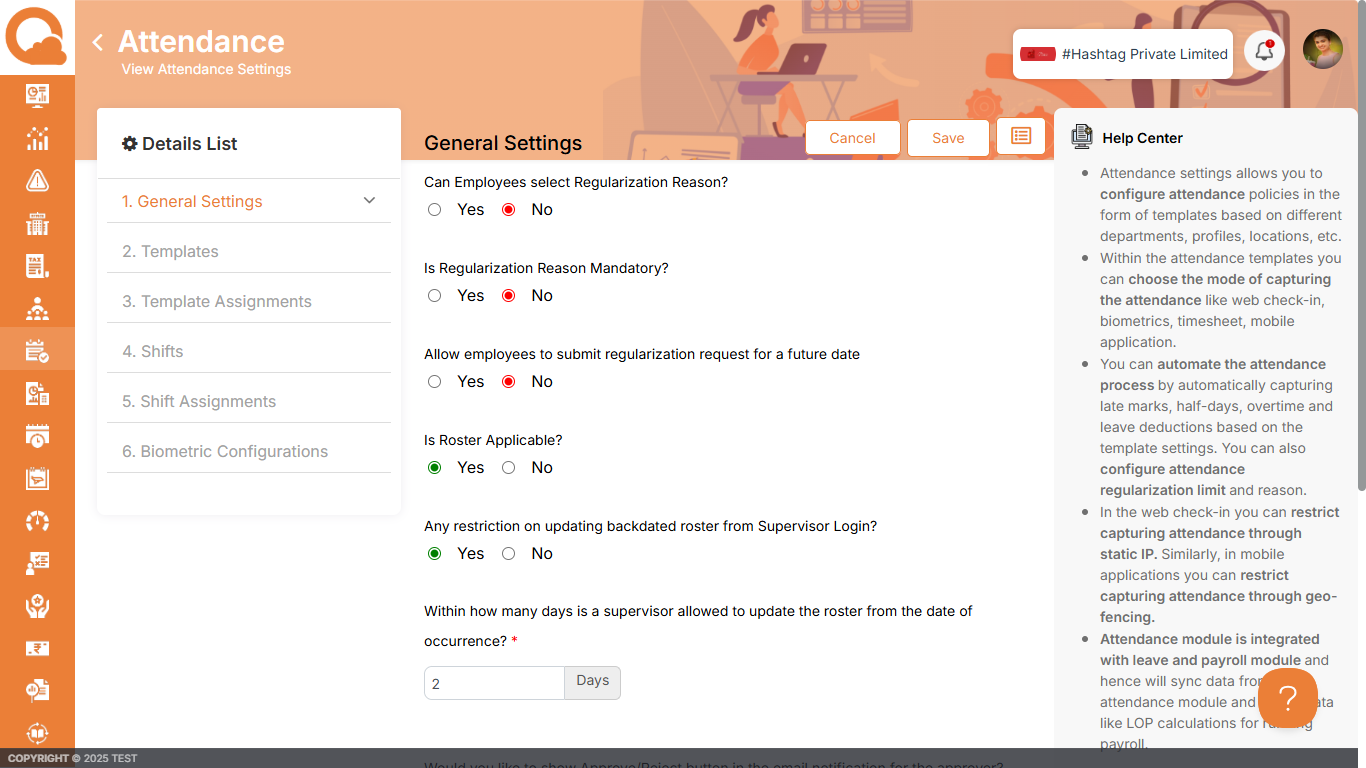
We’ve added a setting for Admins to control backdated roster edits by Supervisors when roster policies are enabled. Admins can allow unrestricted updates or set a limit (e.g., only within X days from the occurrence date). This prevents unauthorized historical changes and gives flexibility for operational exceptions. It improves roster governance while ensuring supervisors have clear, predefined boundaries for edits.
CTC and Salary Calculator on Marketing Website
We’ve added an interactive CTC and Salary Calculator for Indian companies on our Quikchex website. Users can choose monthly or annual frequency, input salary via Gross or CTC and configure components like PT, PF, ESIC, ceilings and state-specific values. This provides an instant, policy-aligned salary breakup, helping finance and HR teams plan compensation more accurately and benchmark payout structures with zero manual calculation effort. Click here to access the tool.